Finance OS
A private finance dashboard that runs on my machine. I upload statements myself. No bank link. Built so I can trust the grades.
React · Python API · Database · Statement imports · Scanned PDF reading · Cursor
What question am I exploring?
Can I build a private finance dashboard that understands the messy statements I already download, without linking my bank to the cloud?
What have I learned?
Keep money data on my machine. When the app is unsure, it should ask, not guess. A wrong letter grade that looks official is worse than no grade. Honest inputs take the real effort.
What comes next?
Get better at sorting leftover spending out of Other, and keep teaching the app to read the messy statements I actually download.
Screenshots
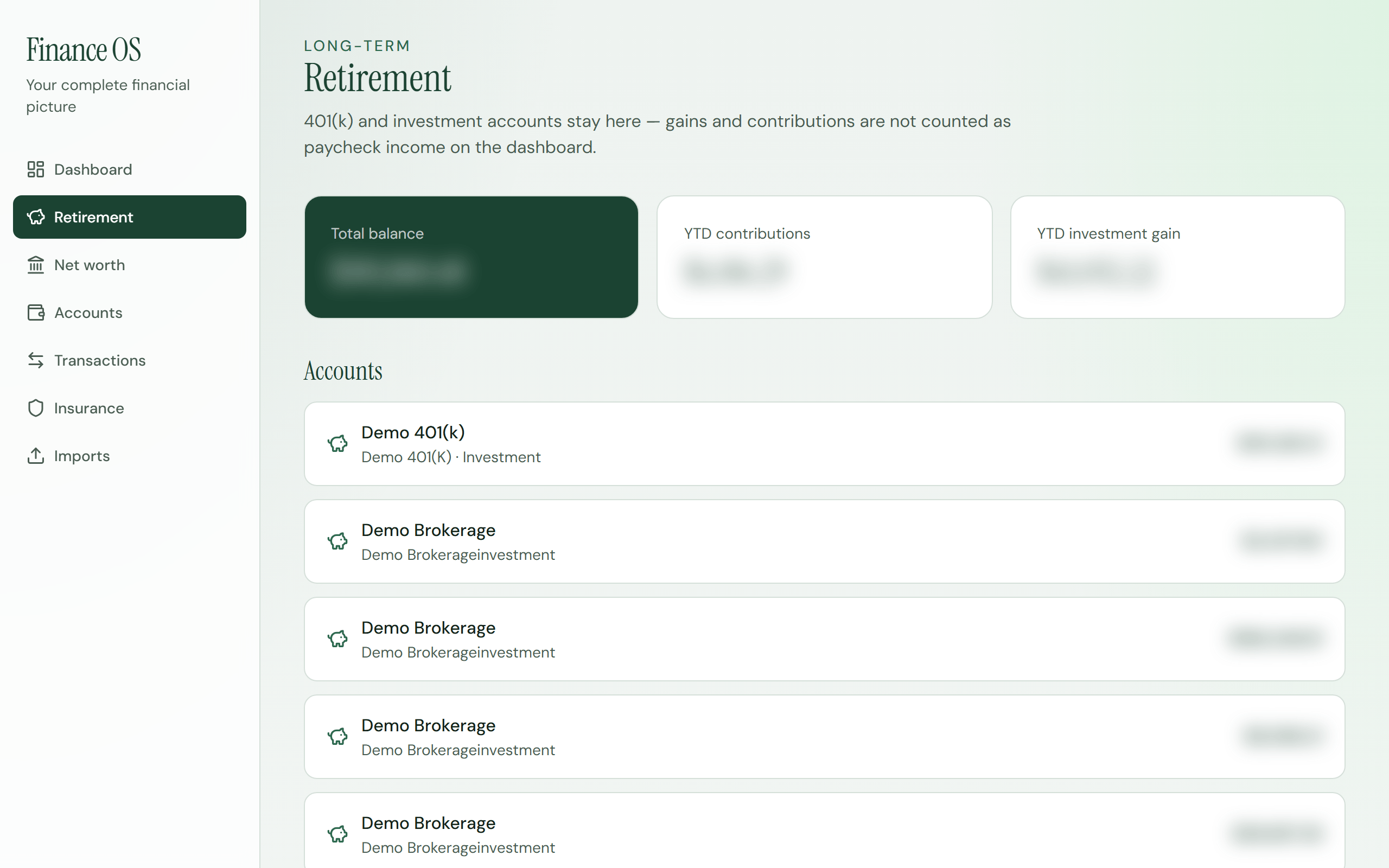
What this explores
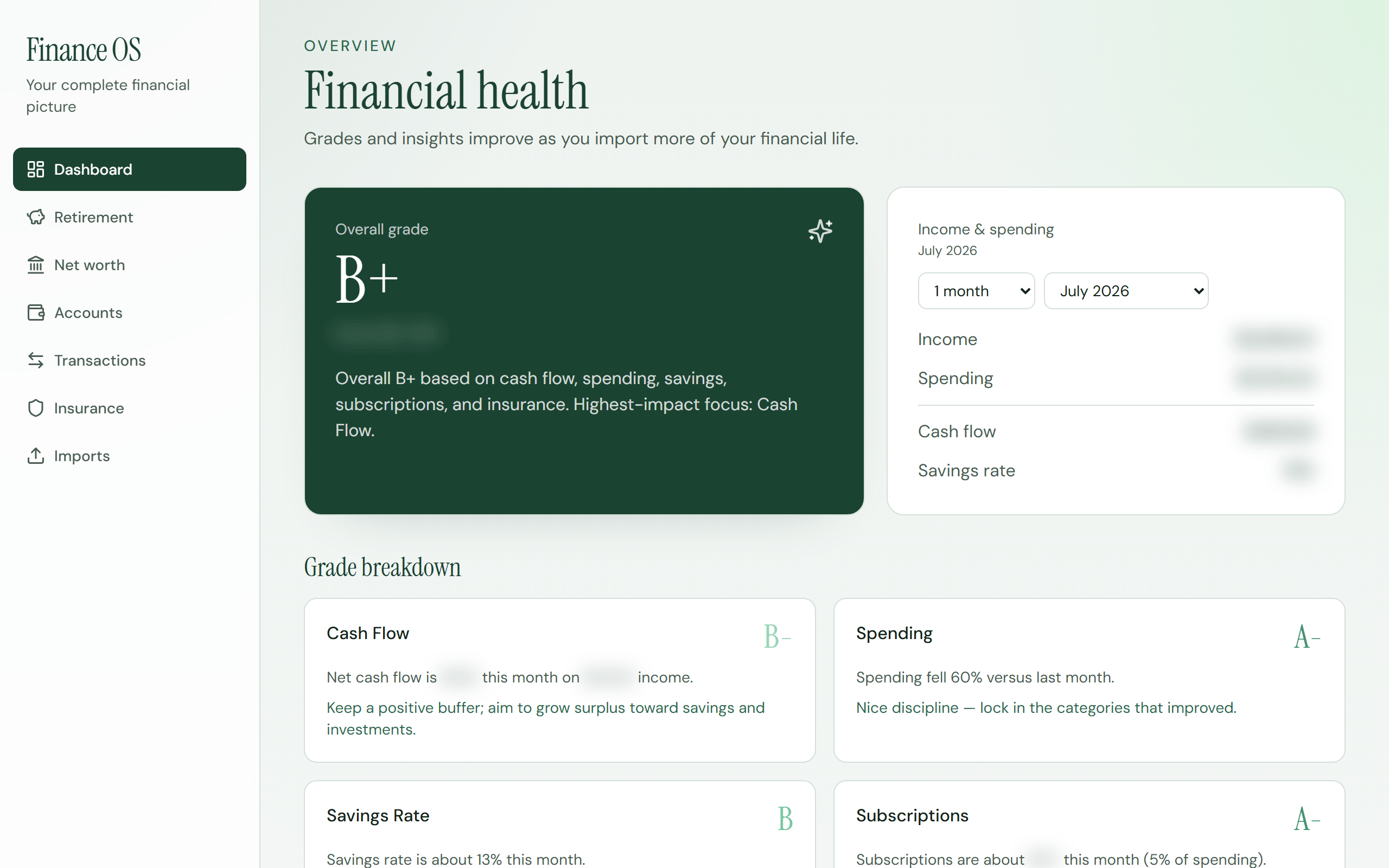
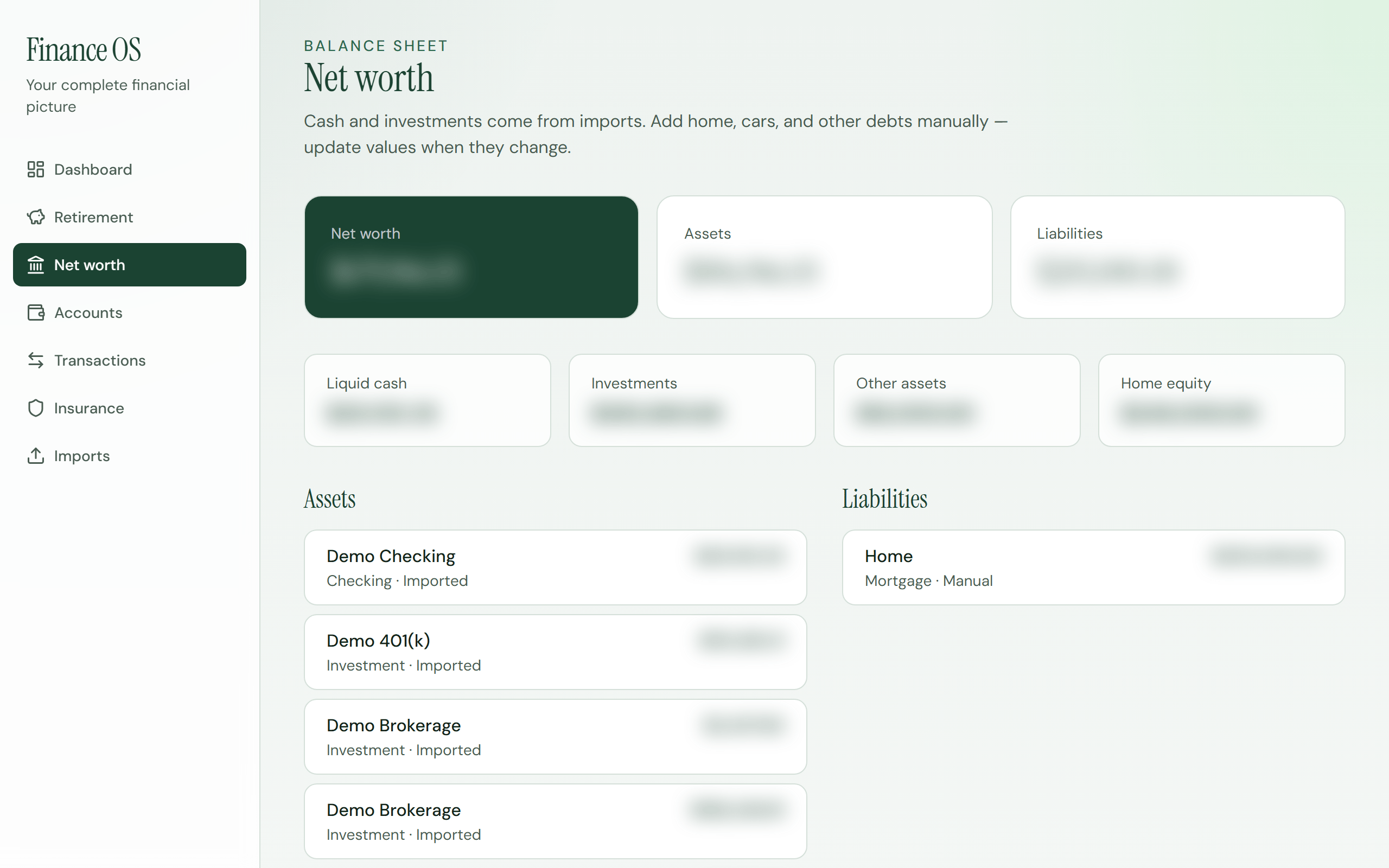
Finance OS asks whether I can replace a painful spreadsheet, and skip “link your bank” apps, by uploading the statement files I already download. The goal is one private picture of my money: grades over time, spending guidelines, cash flow, retirement, insurance, and net worth.
Why it matters
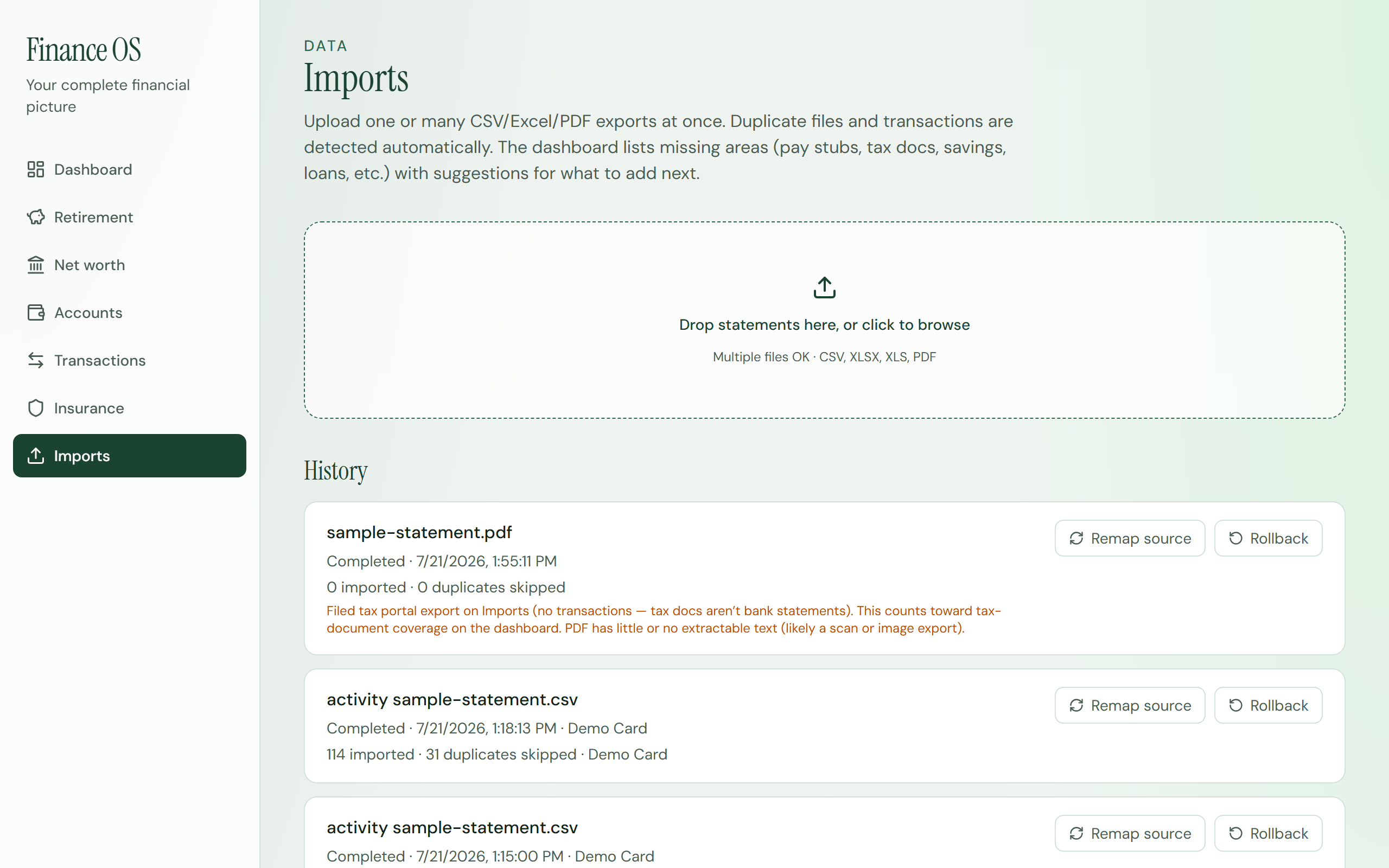
Most money tools trade convenience for trust. I don’t want my balances living on someone else’s cloud. This prototype stays on my machine. Real money does not move. When a file is unclear, the app should ask me, not guess. When a PDF is basically a photo of a page, it still needs to read the numbers.
Current status
Building and private. This isn’t a public app yet. Real money does not move. Reporting and organization only, on files I supply. Beyond the first dashboard and imports, it now includes:
- Spending views with category averages, share of income, and Watch flags when something looks off
- Letter grades that follow the time window I select, with a history for that period
- Drill-down into a category to see totals, why it’s flagged, and the transactions underneath
- Stronger imports for retirement and brokerage statements, plus better handling of scanned or photo PDFs
Next
Get better at sorting leftover spending out of Other, and keep teaching the app to read the messy statements I actually download.